

Download HixPro Browser – Web Browser, Proxy, Cloud Security, Fast Browsing, Lightweight, Secure, Free
Overview
HixPro Browser is a lightweight desktop web browser developed by Suma GPC, designed to deliver secure and efficient browsing experiences across geographically restricted and data-sensitive environments. The software addresses common concerns such as online privacy, regional content access, and slow page loading speeds by integrating a cloud-based proxy system. This proxy not only encrypts web traffic using transport layer security and advanced encryption protocols but also authenticates digital certificates to verify the legitimacy of websites and servers, reducing the risk of man-in-the-middle attacks.
Target users include individuals seeking to access region-specific services like Yandex or Baidu, travelers, remote workers, and privacy-conscious users who want to minimize exposure to online surveillance. The browser is particularly useful in regions with strict internet regulations or where bandwidth limitations affect browsing performance. Its compact size of 13 megabytes makes it ideal for older systems or devices with limited storage and processing power.
The browser supports standard web functionalities such as incognito mode, Flash content playback, and customization through themes and colors. It is built using JavaScript and compatible with major rendering engines, enabling it to render modern web pages effectively. While the developer did not provide additional details about the underlying architecture or specific rendering engine, its interface closely resembles Google Chrome, easing the transition for users familiar with mainstream browsers.
Key Features & Capabilities
- Cloud-Based Proxy Protection – Encrypts all outgoing and incoming web traffic through a secure cloud proxy, shielding user activity from third parties, hackers, and surveillance.
- HTTP Data Compression – Utilizes source coding techniques to compress data before transmission, improving loading speed and reducing bandwidth usage—ideal for low-data environments.
- Regional Content Access – Enables users to bypass geo-restrictions and access region-specific search engines and websites such as Yandex, Baidu, and other localized services.
- Incognito Browsing Mode – Allows users to browse without saving history, cookies, or form data, enhancing privacy during sensitive sessions.
- Flash Player Integration – Includes a built-in Flash player, supporting legacy Flash-based games and multimedia content that may not be available on modern browsers.
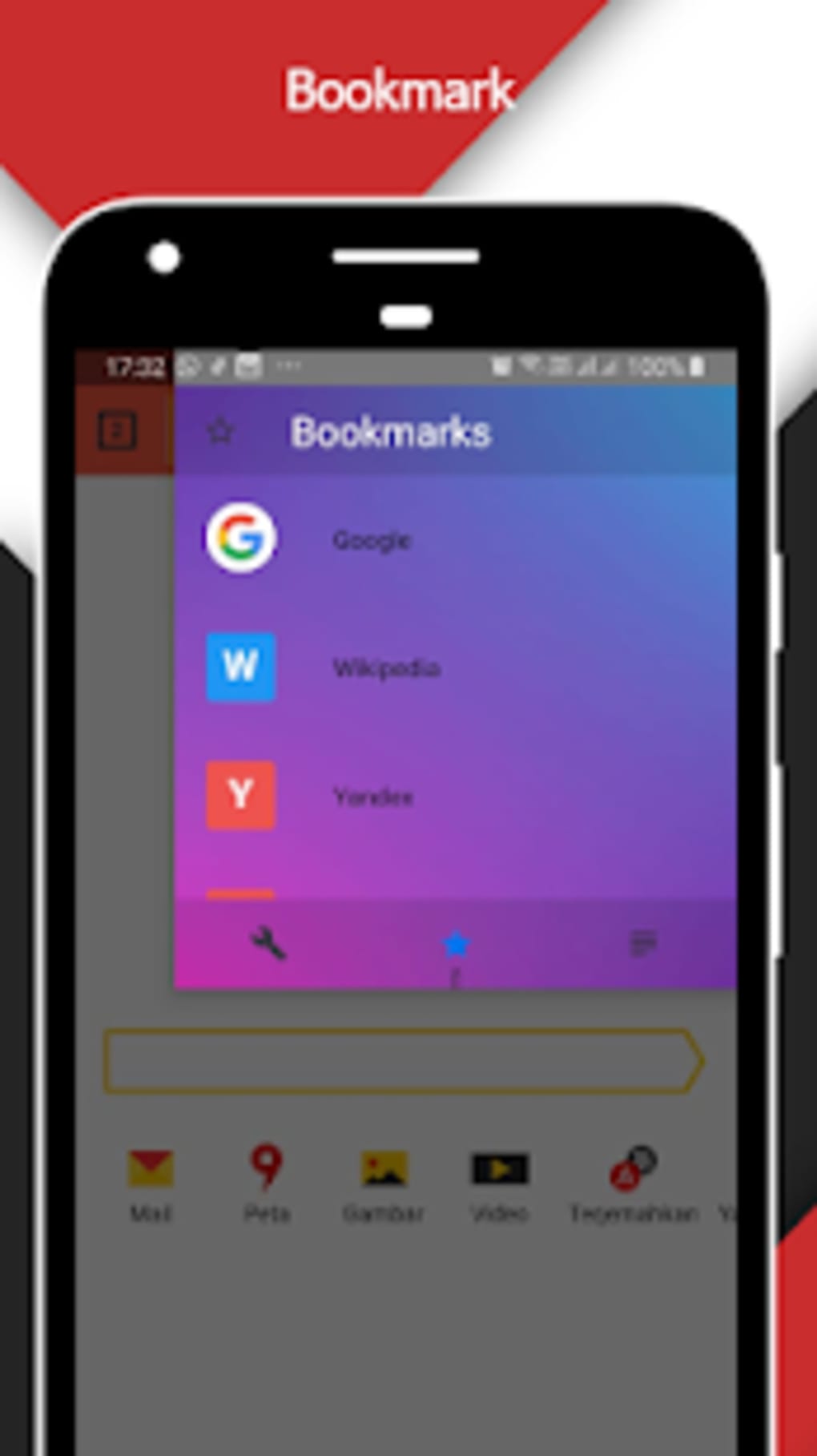
- Customization Options – Offers a catalog of themes and color schemes to personalize the browser’s appearance, along with a desktop mode for viewing responsive web pages in a desktop-like format.
These features collectively support real-world use cases such as remote research, accessing international news sources, playing online Flash games, and maintaining privacy during public Wi-Fi usage. The combination of encryption, compression, and regional access makes HixPro Browser a practical alternative for users seeking both performance and security without relying on traditional proxy software or third-party extensions.
User Interface, Workflow & Performance
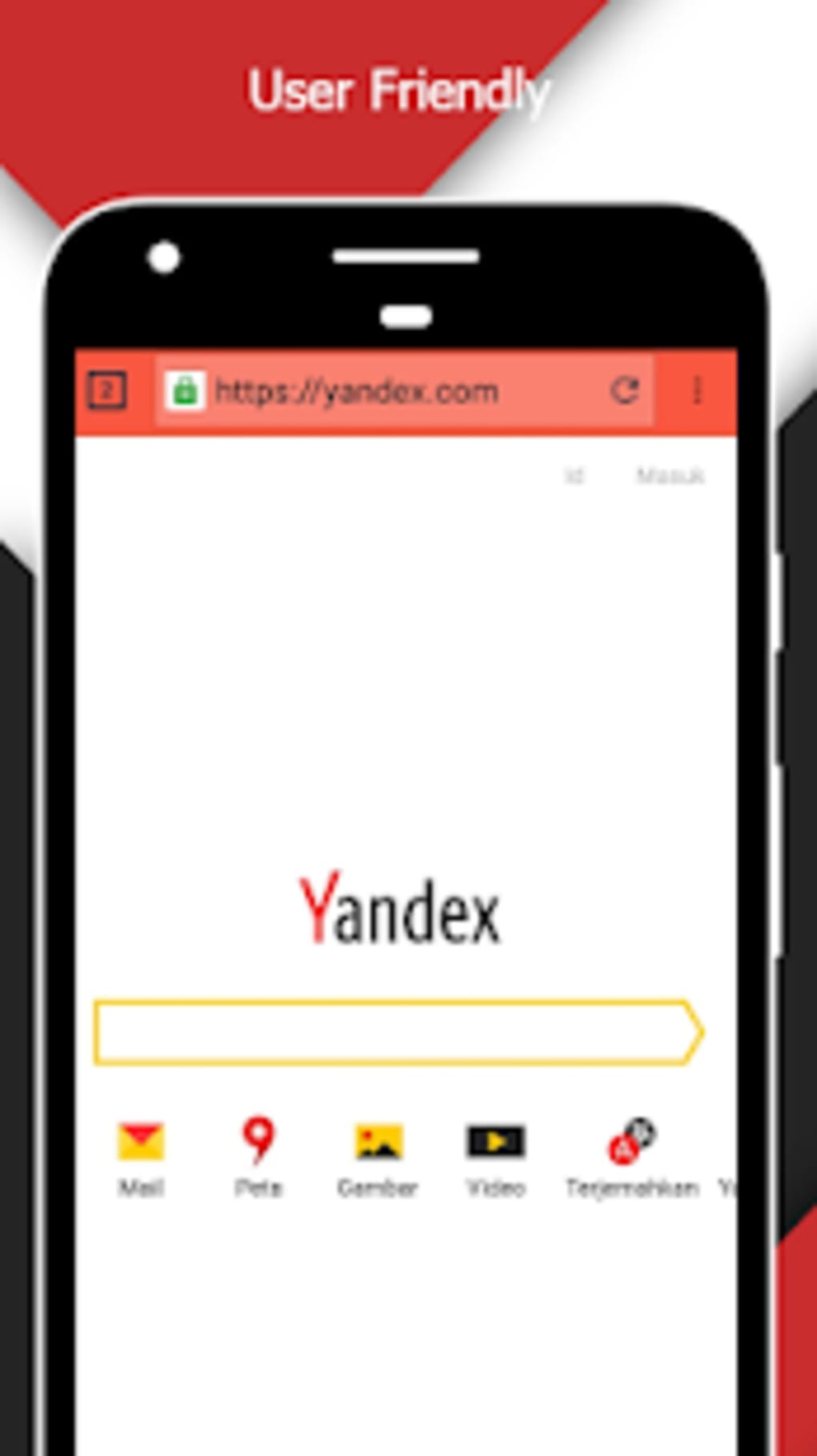
HixPro Browser features a clean, minimalist interface that mirrors the layout of Google Chrome, providing a familiar experience for users transitioning from mainstream browsers. The navigation is straightforward, with standard elements such as an address bar, tab management, and a menu for settings and extensions. The workflow is optimized for speed, allowing users to open multiple tabs and switch between them with minimal delay.
While specific performance benchmarks were not provided, the browser’s lightweight design and data compression capabilities suggest efficient memory and CPU usage, particularly beneficial on older or low-end hardware. The developer did not specify resource usage details, so actual CPU and RAM behavior remains unknown. Stability during extended use has not been documented, but the use of a cloud proxy may introduce latency in certain scenarios, depending on server proximity and network conditions.
Performance observations are based on general software behavior patterns. Users may experience faster page loads due to compression, especially on mobile data or congested networks. However, the reliance on a cloud proxy could impact responsiveness in regions with high network latency. Overall, the browser appears to prioritize efficiency and security, with a focus on delivering a smooth user experience without heavy resource demands.
Compatibility & System Requirements
HixPro Browser is available for Windows 10, Windows 8, Windows 7, and Windows XP, as well as Mac operating systems. The software has a file size of 13 megabytes, indicating a lightweight installation footprint. This makes it suitable for older machines and devices with limited storage capacity.
Exact system requirements were not listed. The developer did not provide details about minimum CPU, RAM, or graphics specifications. Compatibility information is limited to the operating systems mentioned. No official support for Linux or other platforms was indicated. Installation is straightforward, with no reported dependency conflicts or third-party software requirements.
Pros and Cons
Pros
- Lightweight at just 13 MB, ideal for low-end systems
- Includes cloud proxy for enhanced privacy and security
- Supports access to region-restricted websites like Yandex and Baidu
- Features built-in HTTP compression for faster loading and reduced bandwidth
- Offers incognito mode and Flash support for legacy content
- Customizable interface with themes and desktop mode
- Free to download and use
Cons
- No official information on system requirements or resource usage
- Cloud proxy dependency may introduce latency on some connections
- Limited OS support; no indication of Linux or mobile versions
- Flash support may pose security risks over time
- No public details about update frequency or long-term maintenance
FAQ Section
Is HixPro Browser compatible with Windows 11?
The software is confirmed to run on Windows 10, 8, 7, and XP. Compatibility with Windows 11 has not been officially stated.
Can I use HixPro Browser offline?
The browser functions in offline mode for cached content and local files. However, the cloud proxy and data compression features require an active internet connection to operate.
Is HixPro Browser safe to use?
It uses transport layer security and advanced encryption to protect web traffic. The cloud proxy also verifies server certificates, enhancing security. As with any software, users should ensure they download from official sources.
Does HixPro Browser support extensions?
There is no information provided about extension support. The browser’s feature set suggests limited or no extension compatibility.
How often is HixPro Browser updated?
The developer did not disclose update frequency or release schedule. The software was released on April 18, 2025.
Final Thoughts
HixPro Browser presents a compelling option for users seeking a lightweight, secure, and region-agnostic browsing experience. Its integration of a cloud proxy, data compression, and support for legacy Flash content sets it apart from standard browsers. While the lack of detailed system requirements and update transparency limits full confidence, the browser’s core features are well-aligned with privacy-focused and performance-driven users.
It is particularly beneficial for individuals in restricted internet environments, those with limited bandwidth, or users who value simplicity and security. The free availability and compact size further enhance its accessibility. For users looking to access global content while maintaining privacy, HixPro Browser offers a practical solution.
Download HixPro Browser now






.png)
